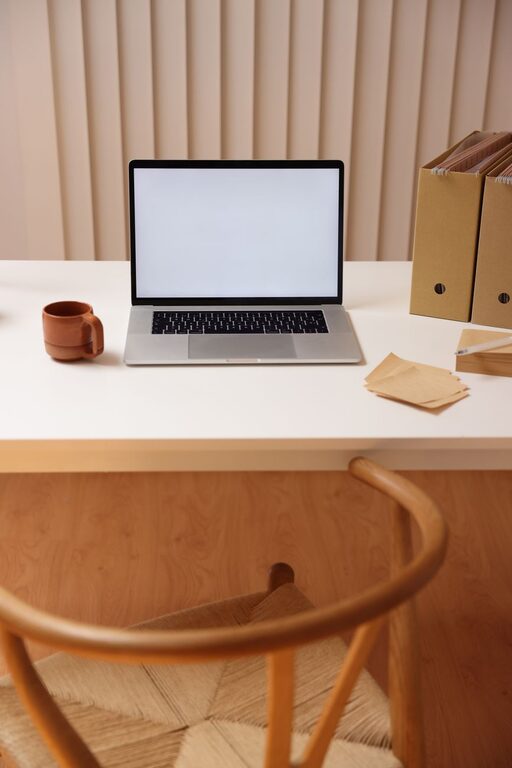
Creating a desk setup that promotes both focus and comfort is essential for productivity whether you work from home or in an office. A well-designed workstation can reduce physical strain, minimize distractions, and help you stay organized throughout your day. In this post, we’ll explore practical tips to optimize your desk setup for better focus and comfort.
Why a Good Desk Setup Matters
An effective desk setup does more than just look neat—it supports your health and efficiency. Poor ergonomics can lead to discomfort, fatigue, and even long-term pain. On the other hand, a thoughtfully arranged workspace encourages better posture, reduces stress, and creates a more inviting environment where you can concentrate on tasks.
Choosing the Right Desk and Chair
Desk Height and Surface
Start by selecting a desk that fits your work needs and space. The ideal desk height is typically around 28-30 inches for most people, but this can vary depending on your height. Your forearms should rest comfortably on the desk with your elbows at about a 90-degree angle.
A spacious desktop allows for better organization, so choose one that fits your equipment, such as a computer, keyboard, mouse, and any other tools you use regularly.
Comfortable Ergonomic Chair
Invest in a chair that supports your lower back and allows your feet to rest flat on the floor or a footrest. Adjustable chairs are best because you can modify seat height, backrest angle, and armrest positions to fit your body.
Look for chairs with lumbar support to maintain the natural curve of your spine during long sitting periods.
Monitor Placement for Eye Comfort and Focus
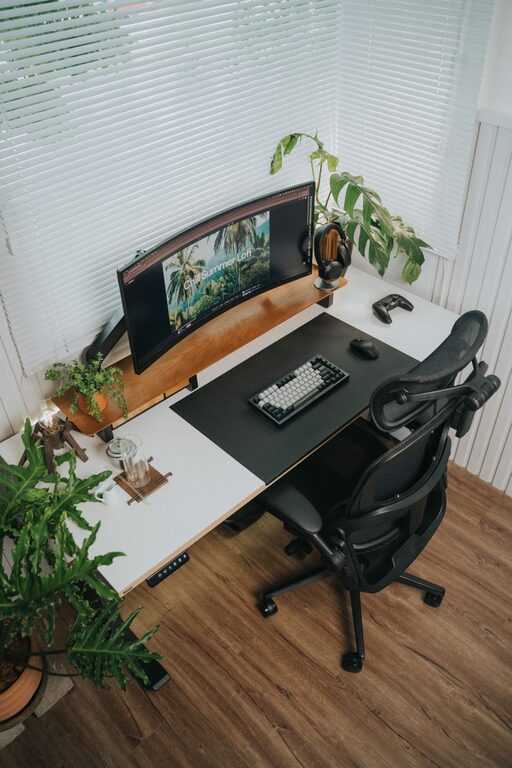
Position your computer monitor directly in front of you about an arm’s length away. The top of the screen should be at or slightly below eye level to prevent neck strain from looking up or down.
If you use multiple screens, arrange them so your primary monitor is centered and secondary screens are close by without excessive head turning.
Keyboard and Mouse Setup
Place your keyboard and mouse close enough that you don’t have to stretch to reach them. Keep your wrists straight and your hands slightly below elbow height. Consider using an ergonomic keyboard or mouse to reduce strain.
Use a mouse pad with wrist support if you spend long hours clicking and scrolling.
Lighting: Bright but Not Harsh
Good lighting reduces eye strain and helps maintain alertness. Use natural light when possible, but avoid glare on your screens by positioning your desk perpendicular to windows.
Supplement with adjustable task lighting like a desk lamp that provides focused illumination without harsh shadows.
Organize to Minimize Distractions
Declutter Your Desk
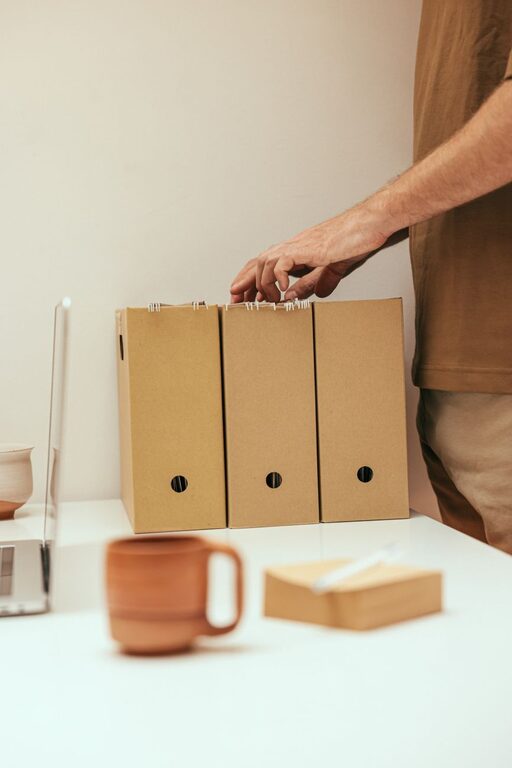
Keep only the essentials on your desk to foster focus. Use drawers, shelves, or organizers to store less frequently used items out of sight.
Use Cable Management Solutions
Tidy up cords and cables with clips, ties, or sleeves to prevent tangling and create a cleaner look.
Incorporate Storage and Accessibility
Place items you use often within easy reach to avoid breaking concentration searching for them.
Add Personal Touches for Comfort
Personalizing your space with a small plant, photos, or artwork can make your workspace more inviting and boost your mood. Just keep decorations minimal to avoid clutter.
Take Regular Breaks
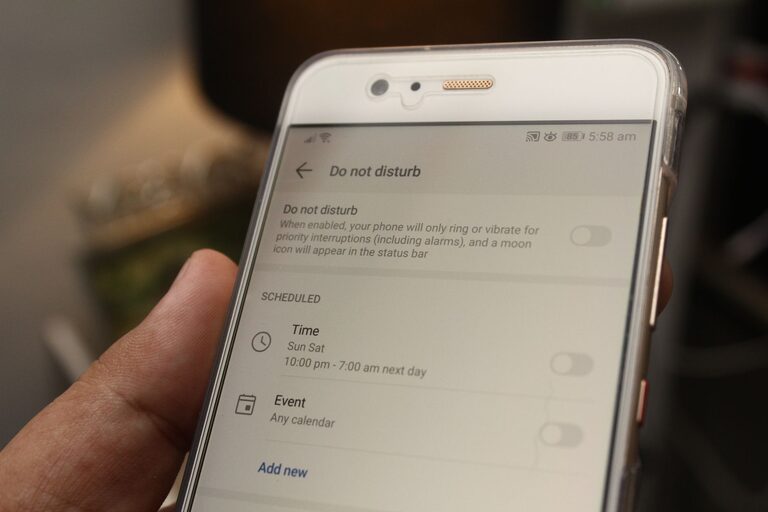
Even with the best setup, sitting still for hours isn’t ideal. Use timers or apps to remind yourself to stand, stretch, or walk briefly every hour. Moving around improves circulation and refreshes focus.
Adjust for Your Specific Needs
Everyone’s ideal desk setup differs based on body size, work style, and tasks. Experiment with these tips and listen to your body. Small adjustments can make a big difference in comfort and productivity.
—
By combining ergonomic furniture, smart organization, proper lighting, and a clutter-free surface, you can build a desk setup that supports both your focus and comfort. Start with these tips and customize your workspace to suit your daily routine and preferences. A well-arranged desk is an investment in your wellbeing and work success.